
Common Issues
Common issues and troubleshooting for WarpBuild runners
Overview
Refer to this page if your runners aren't picking up jobs, after you onboarded.
Bot permissions
Check if the WarpBuild bot has access to the repo. Navigate to WarpBuild Account > Click on 'Configure Runners' for the GitHub connection. And check the list of repositories.
Runner group checks
Default runner group
- If you are using a public repo, please validate that you have enabled WarpBuild on your public repos.
Non-default runner group
If you are using a non-default runner group, which can be validated by going to WarpBuild > Runners > Default GitHub Runner Group.
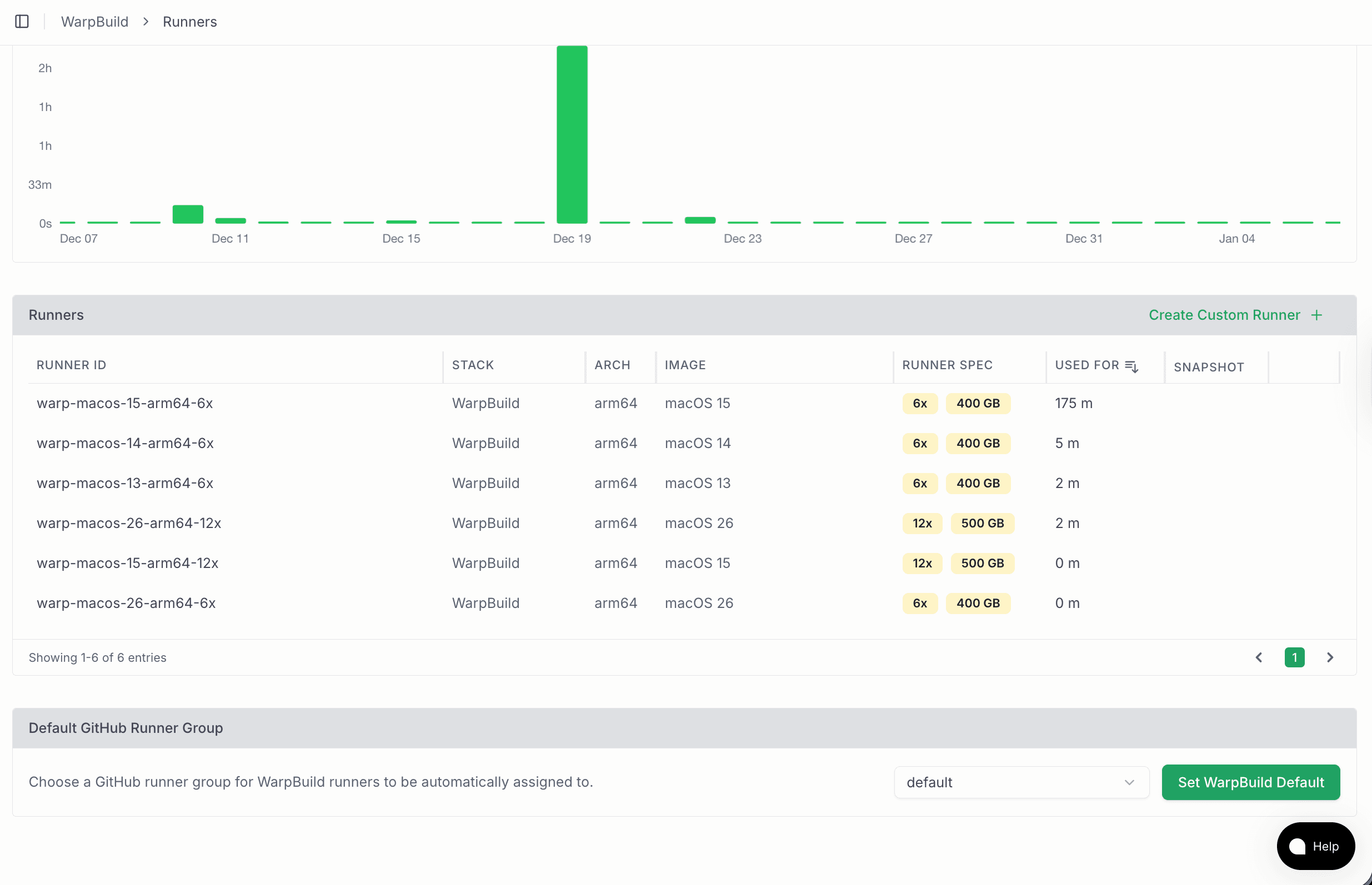
- Check if this runner group has access to the repo. Navigate to Github > Organization Settings > Actions > Runner Groups > Click on the runner group which is selected on WarpBuild.
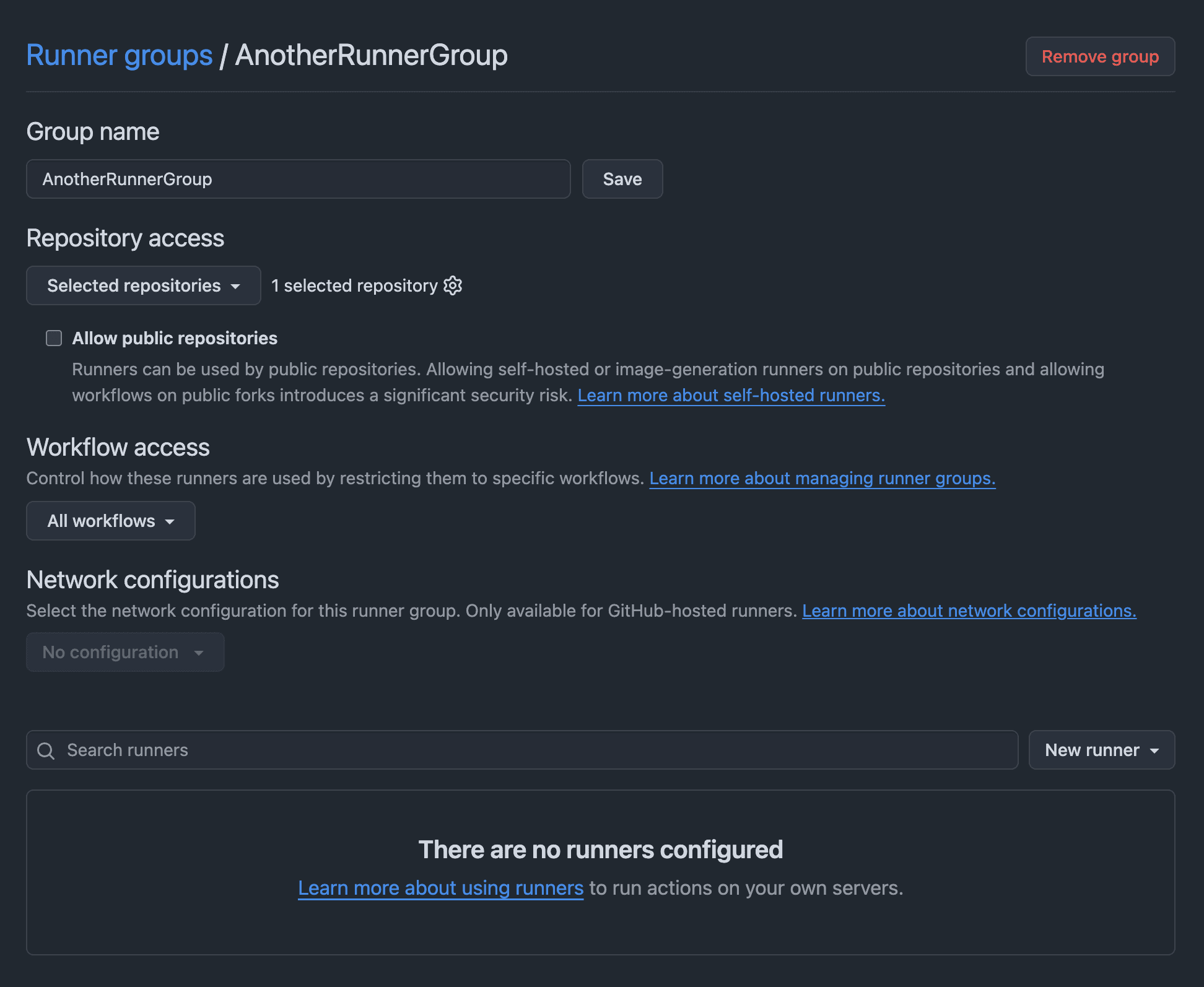
- Check if there are workflow restrictions. GitHub supports restricting workflows
based on workflow path, sha, branch and tags. For example,
monalisa/octocat/.github/workflows/cd.yaml@refs/heads/mainonly picks jobs of cd.yaml on main.
Last updated on